
Platforms
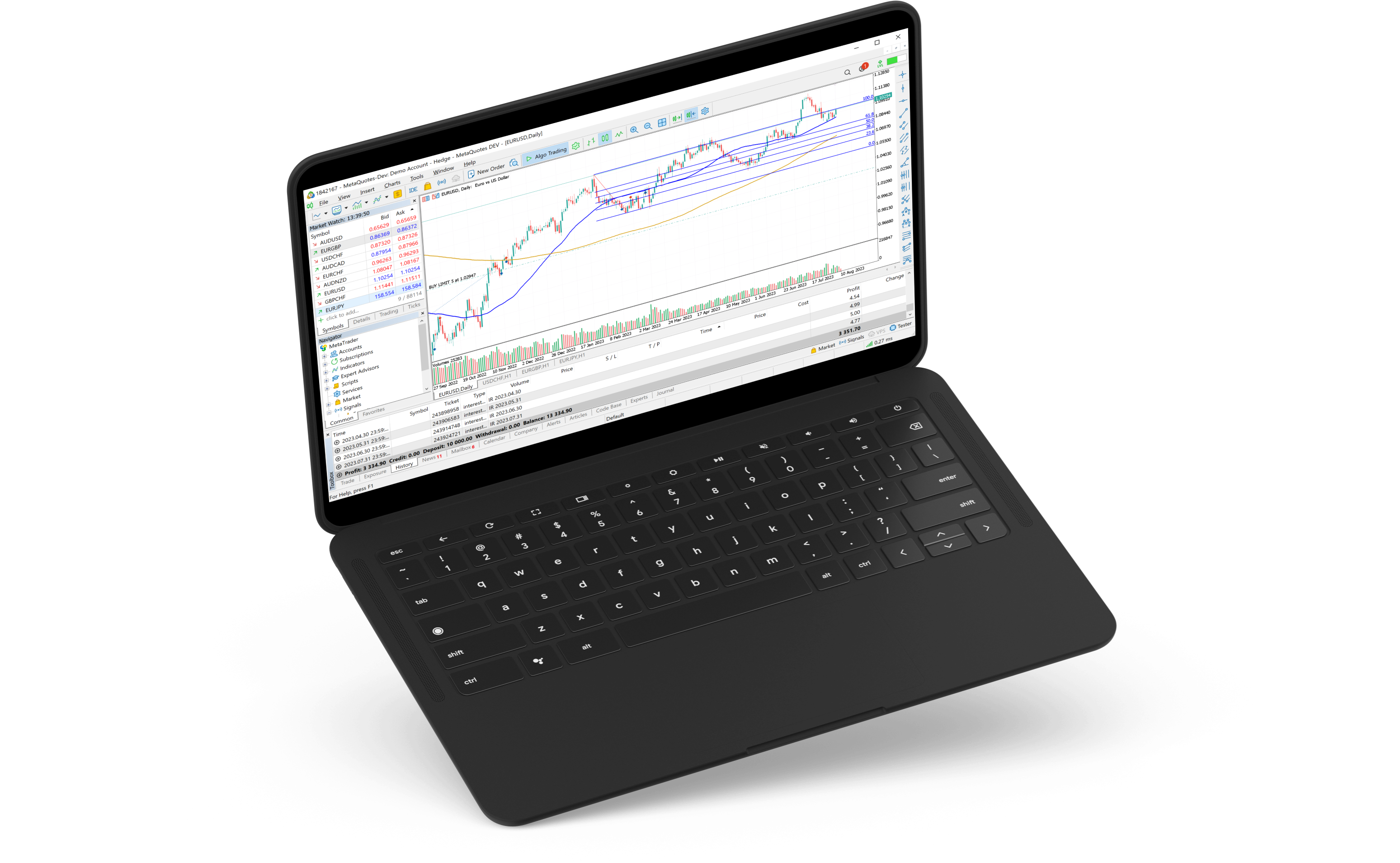
MetaTrader 5 for Desktop
Trade with the industry-standard desktop terminal — advanced charting, algorithmic trading, and full STP execution through Elvan Global.
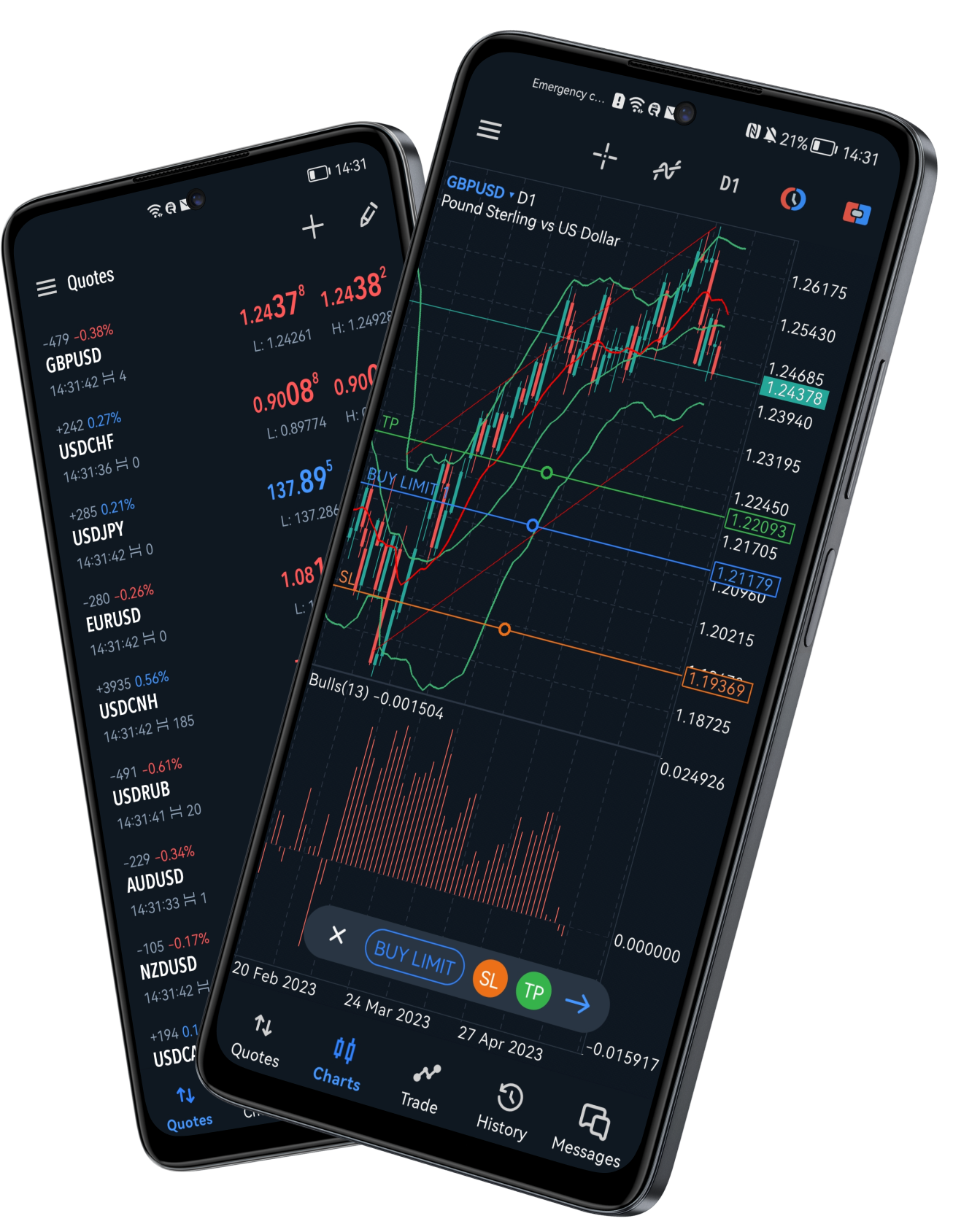
MetaTrader 5 for Mobile
Monitor markets, manage positions, and place trades from your phone with the official MetaTrader 5 apps for iOS and Android — built for a dark, high-contrast trading experience.
Why MetaTrader 5?
The industry standard for professional traders — packed with tools that serious traders actually use.
Multi-Asset Trading
Forex, indices, commodities, futures, and crypto — all from a single account on one platform.
Advanced Charting
80+ built-in indicators, 21 timeframes, and unlimited chart windows for deep technical analysis.
Algorithmic Trading
Build, test, and deploy Expert Advisors (EAs) with MQL5. Full backtesting engine included.
One-Click Execution
Execute trades instantly from the chart or DOM. No requotes under normal market conditions.
Market Depth (DOM)
See real-time bid/ask volume at every price level. Essential for scalpers and order flow traders.
Trade Anywhere
Full-featured apps for iOS and Android, plus a web terminal that runs in any browser — no install needed.
Strategy Backtesting
Test EAs against historical data with tick-level accuracy before risking real capital.
VPS Hosting
Run your strategies 24/7 on a virtual server with ultra-low latency to the trading server.
Why Trade with Elvan Global?
Every broker can offer MT5. The difference is what sits behind it — execution quality, transparent conditions, and support traders can rely on.
Full STP Execution
Orders are routed through an STP model toward liquidity providers, with conditions presented clearly for each account type.
Fast Execution Focus
Built for responsive order handling under normal market conditions, without unnecessary friction in the trading workflow.
Algo-Friendly Setup
Run Expert Advisors on MT5. VPS options can support lower-latency, always-on strategy hosting where available.
Compliance-First
Legal entity and regulatory wording on this website is published only after compliance review and client approval.
Fast Onboarding
Open a live or demo account through our secure CRM, complete verification, and fund using supported payment methods.
Dedicated Support
Get help with platform access, account setup, and trading questions through Elvan Global support channels.
Trading in 3 Steps
Open an account, access MetaTrader 5, and start trading through Elvan Global’s secure client pathway.
Create Your Account
Register and complete the online application through our secure client portal.
Deposit Funds
Fund your account through the supported payment methods available in your client area.
Start Trading
Access MetaTrader 5 on desktop, web, or mobile and start trading with Elvan Global.
Frequently Asked Questions
Practical answers about MetaTrader 5 access, automation, and day-to-day trading with Elvan Global.
Get started with MetaTrader 5
Open an account, download MT5, and place your first trade through Elvan Global’s secure client pathway.